



On and off air experience for people who crave creativity and cash in rewards for future flights and more…
An interactive scavenger hunt for people who love flying abroad.
Background
This experience is for people that take flights and destinations ranging anywhere from 2hr to 30+ hours.
Flying becomes very stressful and tedious when someone flies in a more frequent timeline. From my personal experience of flying across continents to visit home annually, I would have to go through long lines, multiple luggage checks, waiting endless hours of layovers, switching between multiple planes, getting delayed that also interfered with the next flight, all in one trip, inspired the need for this interactive experience.
Allowing people to entertain themselves by finding physical clues on their journeys or simply record specific flight experiences to earn points, as well as rewards, on their phones would be a great and convenient way to reduce the negative sides of flying. Since this concept has elements of puzzle solving or finding challenges, it would both be adult and kid friendly to bring entertainment to tedious flights.
Goals
Design an experience for pre, during, and post flights for people who are a fan of solving challenges and collect rewards while going through any flight with its challenges.
Allow people to use their phones to connect as well as collect interactive easter eggs or experiences.
Use rewards to earn free items or discounts to be used for next flights to help people with overpriced meals and items found at the airports.
Sample Interview Questions for Collecting Data
Are you a frequent or infrequent flyer?
Do you enjoy the overall experience of flying?
Do you like exploring the airports you visit?
Do you usually purchase anything at the airport?
Methodology
During this project, methodology such as interview will be used to collect data about overall experience of either a frequent or infrequent flyer. Asking various people with diverse experiences help to understand what makes this project fun and appealing vs unnecessary or confusing. These interviews will range between in person conversations, phone calls, online meetings, and etc.
Participant Screening
Interviews would be conducted with people who have travelled via flying overseas, in no specific age group. Since people of all ages are able to fly, they are able to use this resource to add an additional element to their trips.
Users of this platform must have experience with flying abroad in order to use and utilize the features of this app.

Affinity Map
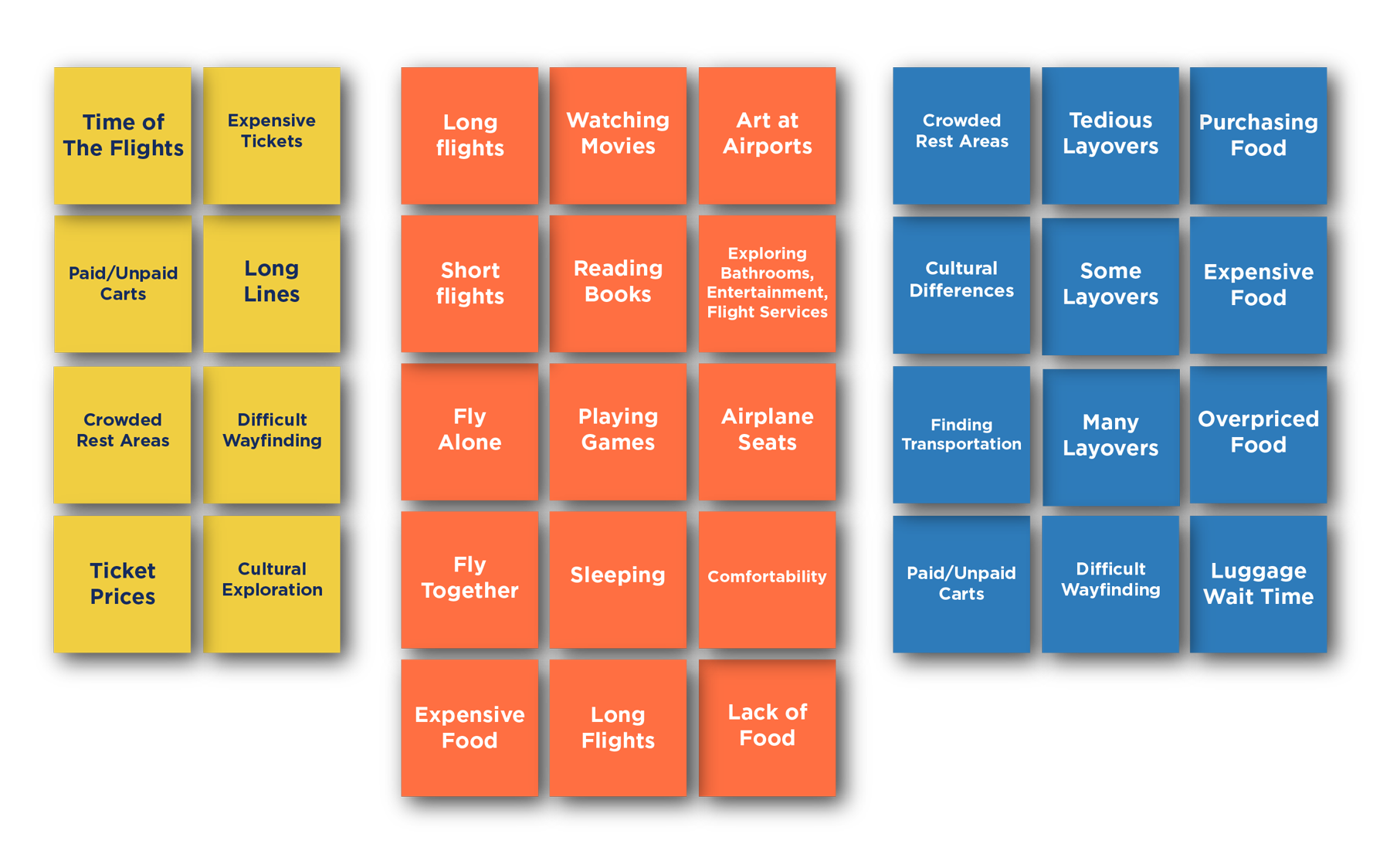

Air travel can create a community of learning more about cultures and interact with one another.

Personas

Mai - 12, Male
Social kid that loves puzzles or solving challenges. Flies with her family very frequently. Gets very frustrated and cranky when layovers or flights are too long. She usually flies 4-16 hours at a time.
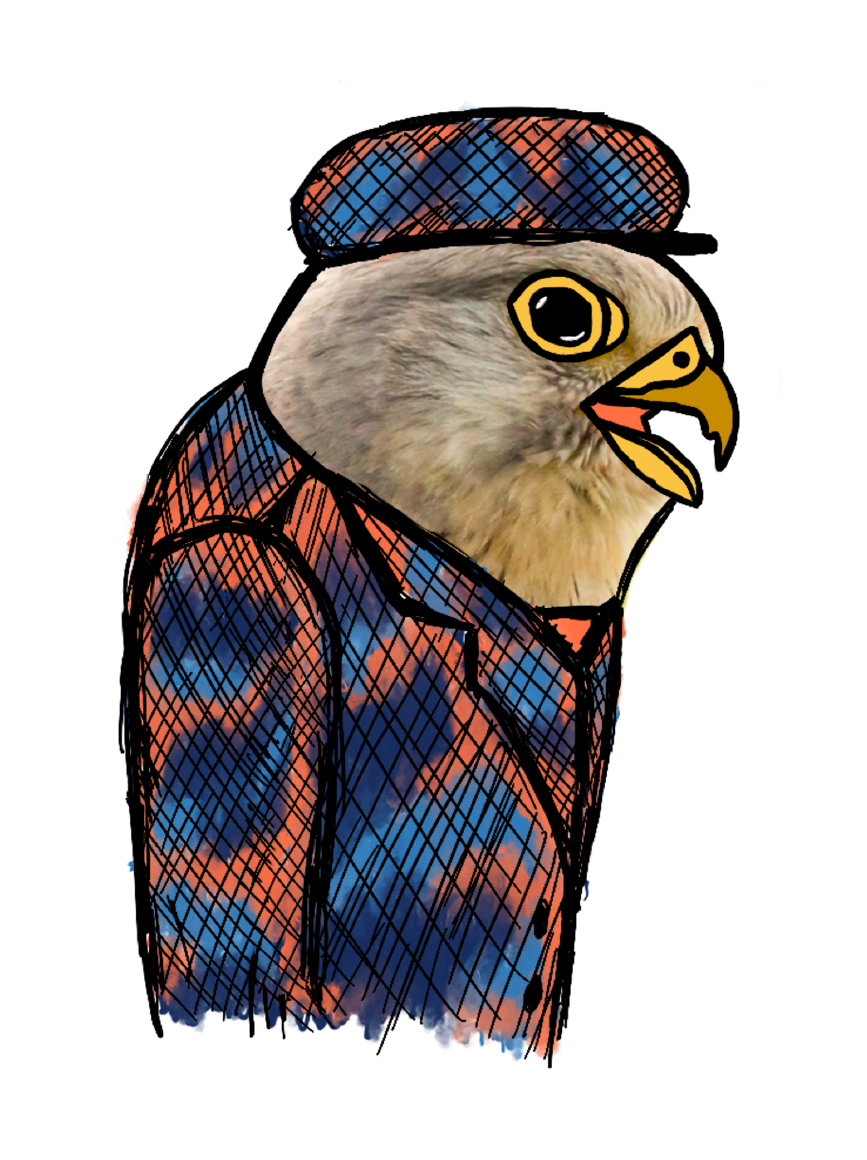
Denis - 44, Male
His work revolves around traveling across countries. Denis spends a lot of time at various airports and is very familiar with the tedious processes of flying. He enjoys dining in the airport cafes or restaurants while waiting for his next flights.
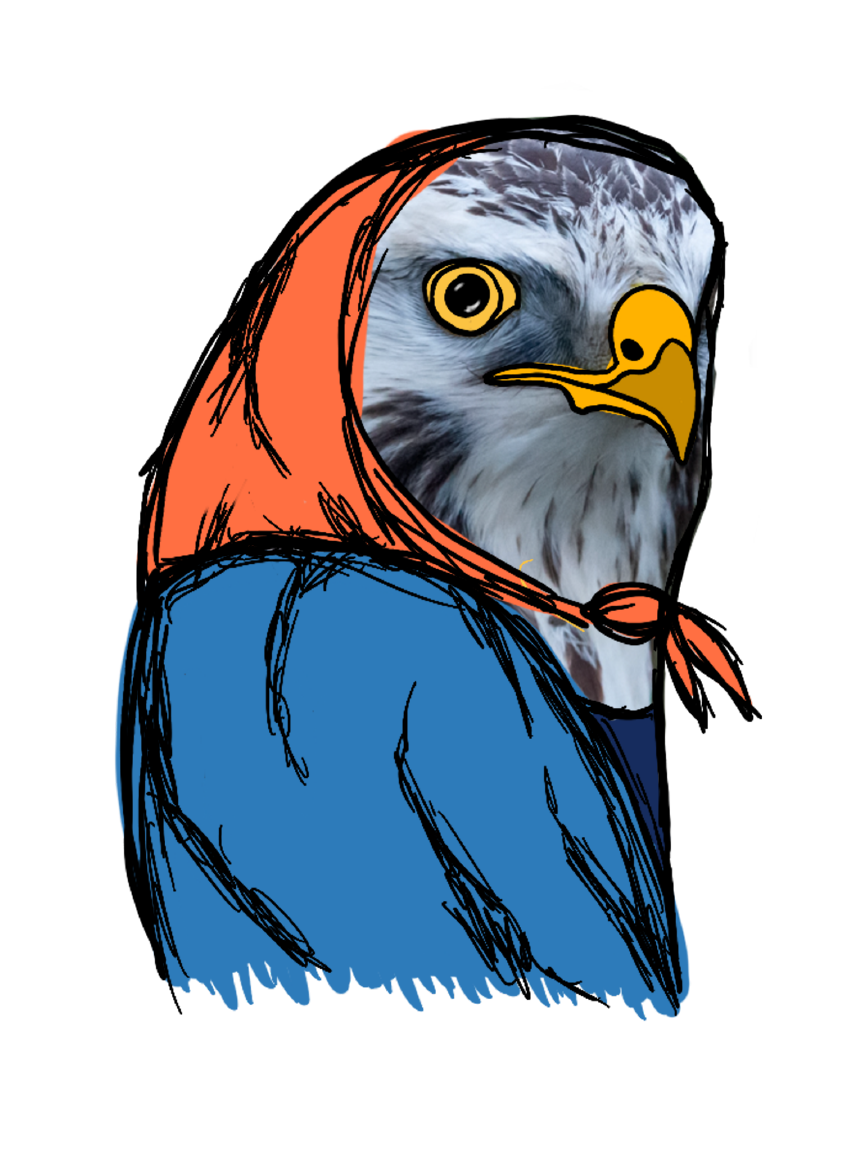
Maria - 23, Female from France
Background
She is an international student, where flying has become her annual tradition to both see her family and study abroad. Since she is a student, she enjoys any opportunity to help her with her expenses, especially during 30+ hour flights.
Flying as frequent as she does, Maria now dreads to travel, especially for the long flights. She find it hard to keep herself entertained during long layovers and finds airport prices for food very high. She is also very into collectables and enjoys collecting both physical items and digital points.
Frequency of Flying
2-3 times a year
Duration of flight:
Usually 24+ hours
Keywords
Frequent Flyer
International
Student, Stressful,
Dreadful, Long, Expensive, Annoying, Multiple, Flights, Free, Rewards, Points
Apps she uses for flights:
Kayak
Airbnb
Google Flights
Vulture
Hopper
Kiwi
Priceline
Skyscanner
Top Concerns
Long Layovers
Long Flights
Pricey Food
Long Lines
Stressful Delays

User Research
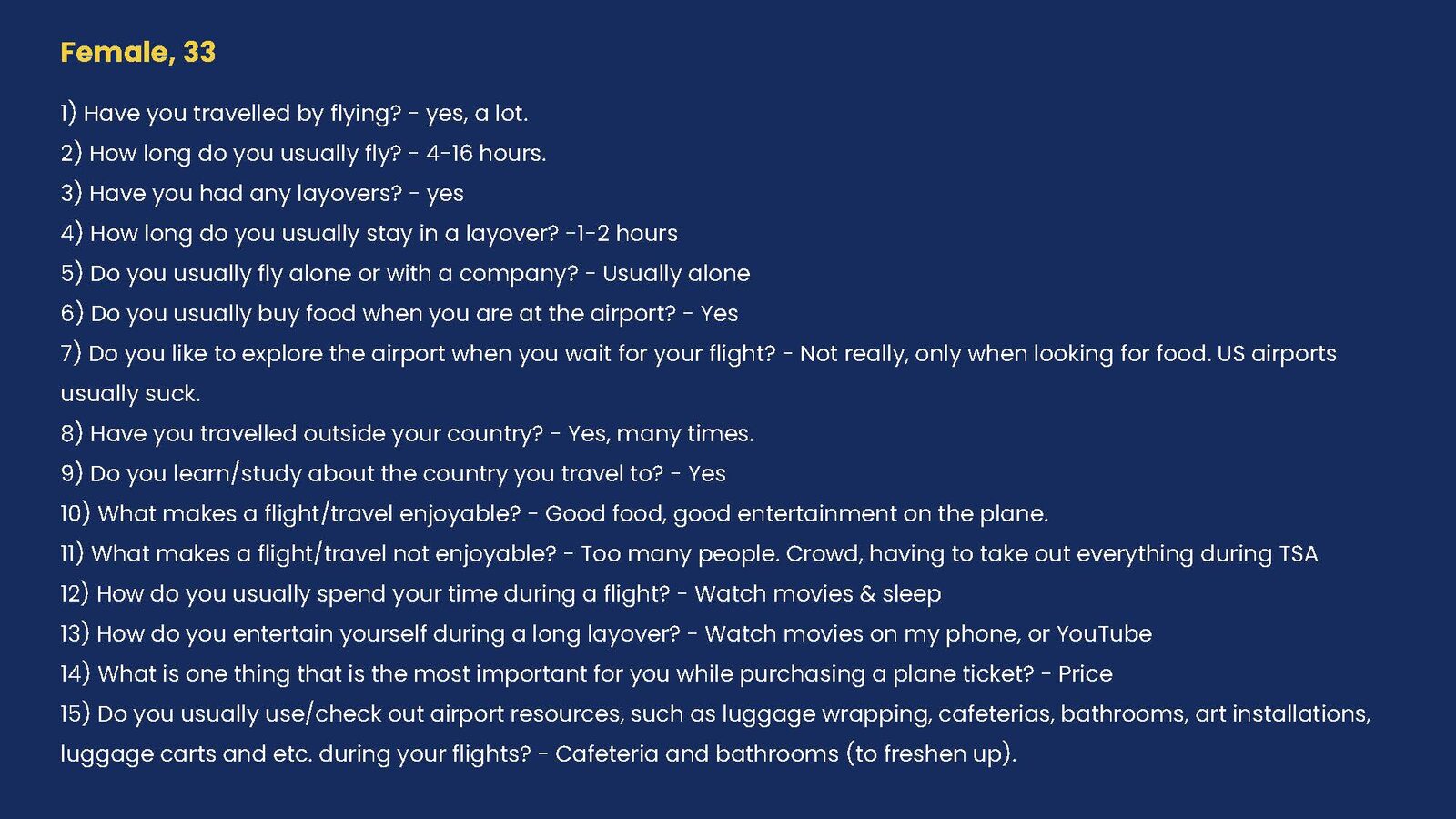
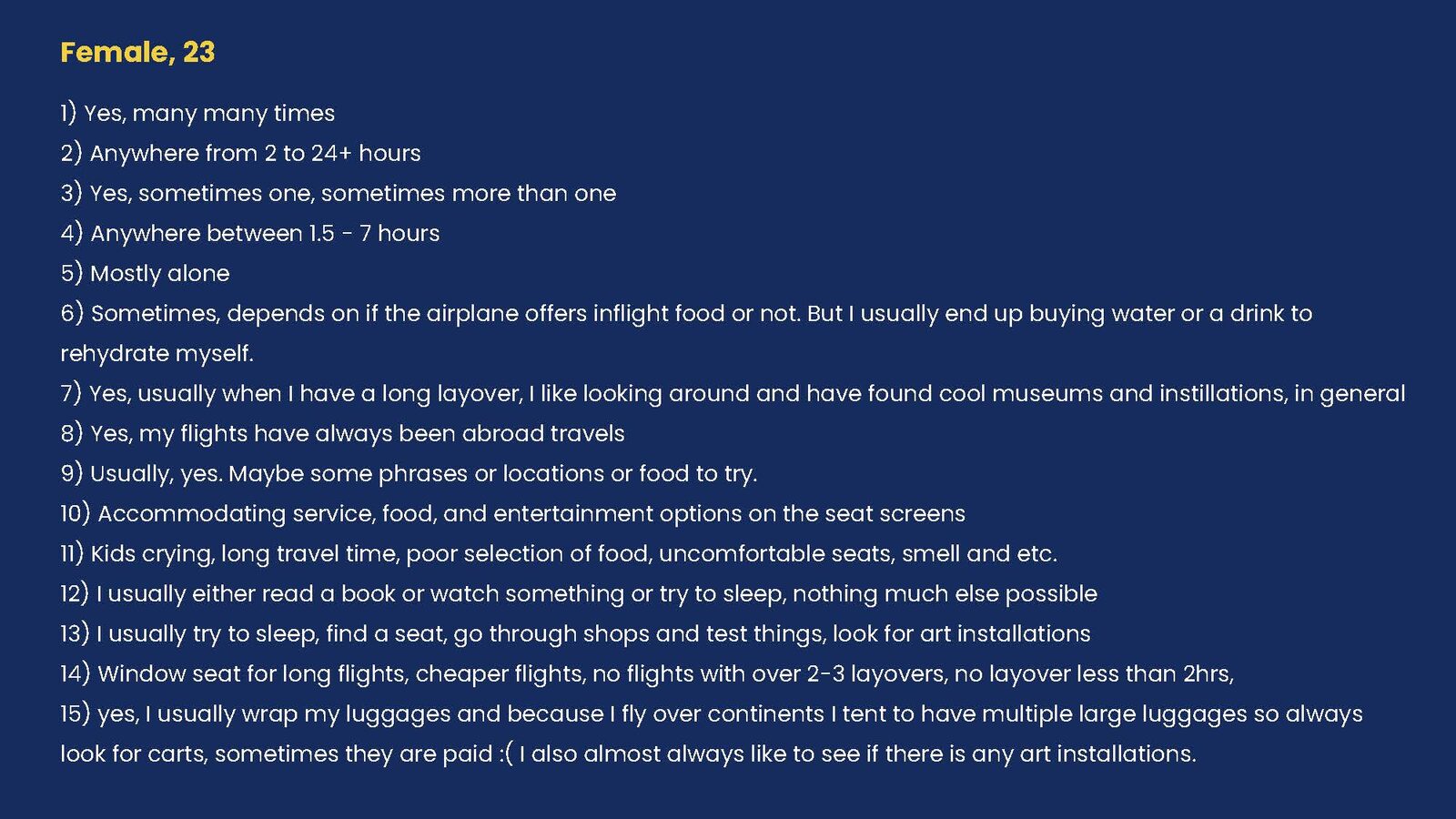
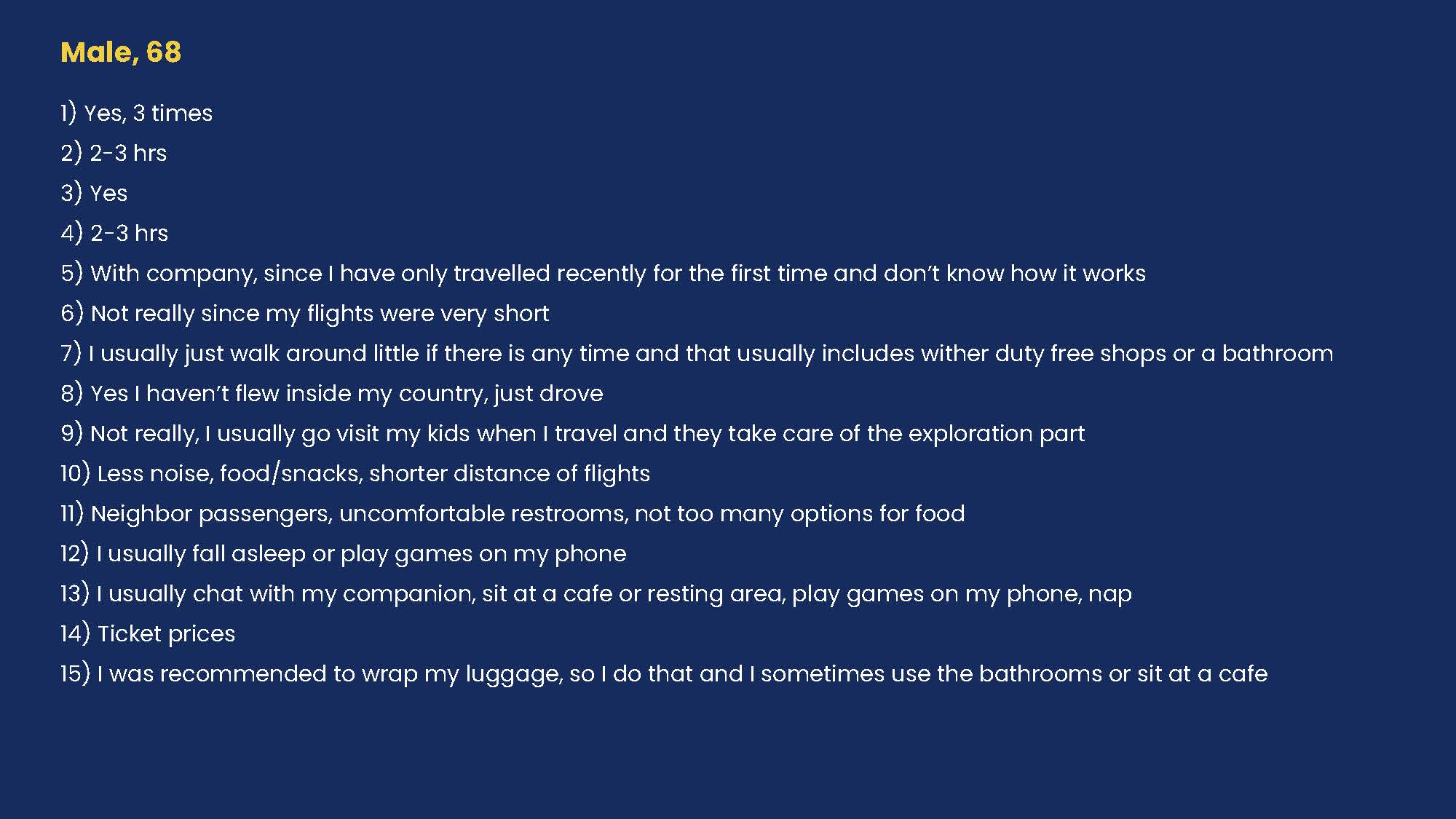
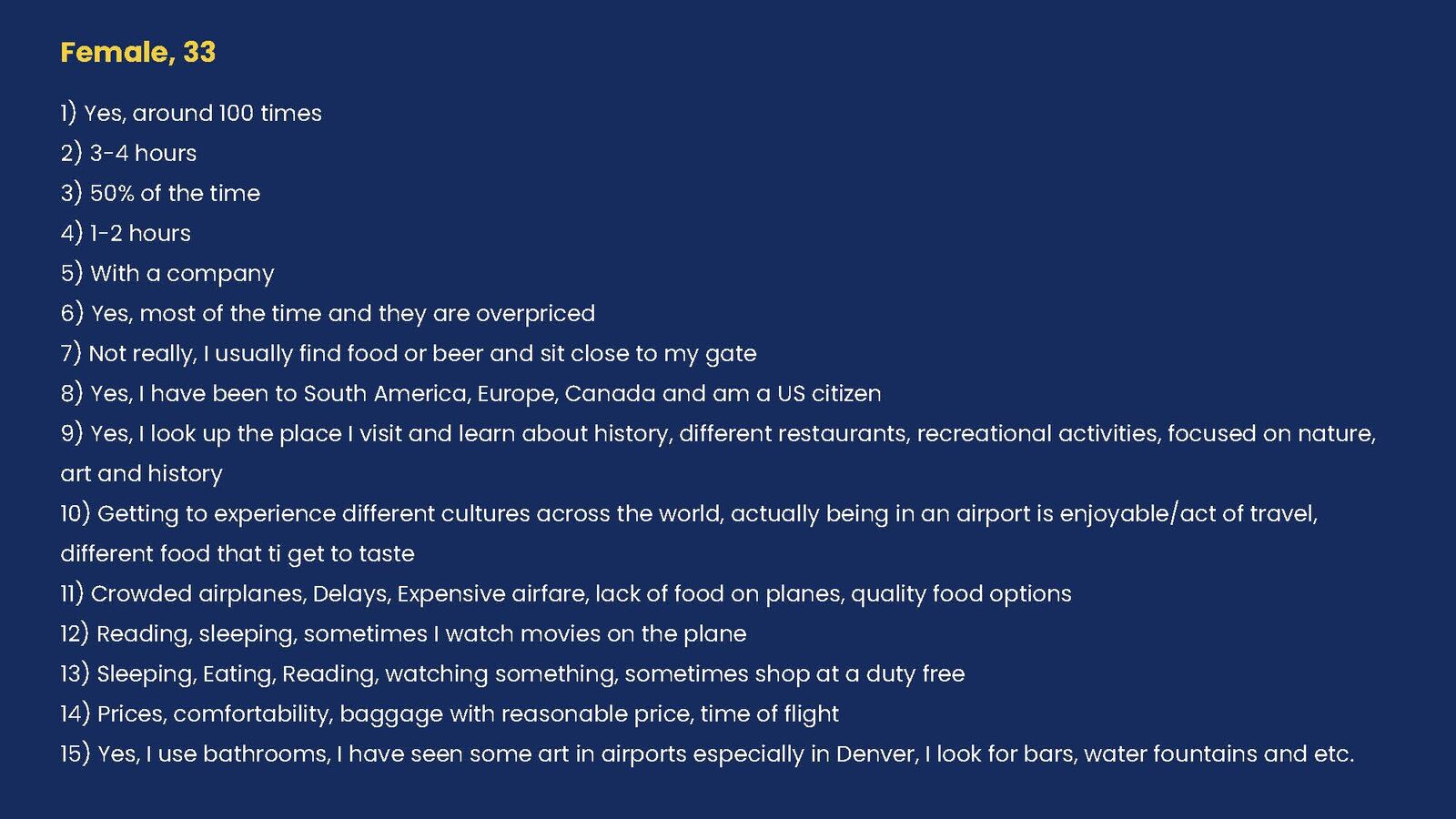
Interview Questions
1) Have you travelled by flying?
2) How long do you usually fly?
3) Have you had any layovers?
4) How long do you usually stay in a layover?
5) Do you usually fly alone or with a company?
6) Do you usually buy food when you are at the airport?
7) Do you like to explore the airport when you wait for your flight?
8) Have you travelled outside your country?
9) Do you learn/study about the country you travel to?
10) What makes a flight/travel enjoyable?
11) What makes a flight/travel not enjoyable?
12) How do you usually spend your time during a flight?
13) How do you entertain yourself during a long layover?
14) What is one thing that is the most important for you while purchasing a plane ticket?
15) Do you usually use/check out airport resources, such as luggage wrapping, cafeterias, bathrooms, art installations, luggage carts and etc. during your flights?

User Journey
Representations below are the initial concept and sketches for the Kite app.
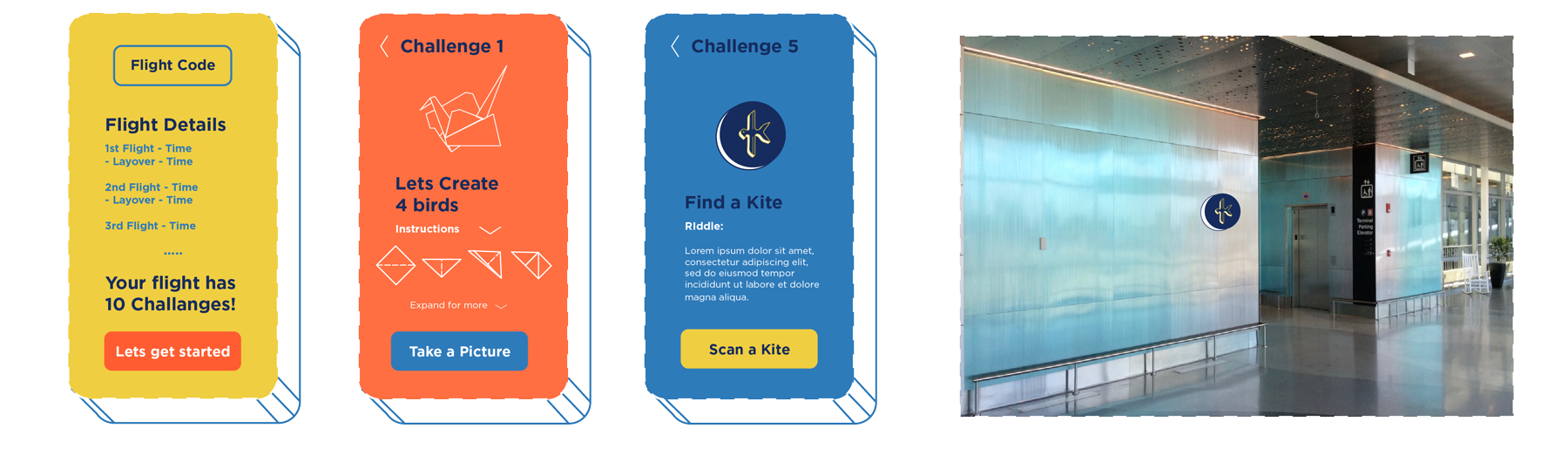
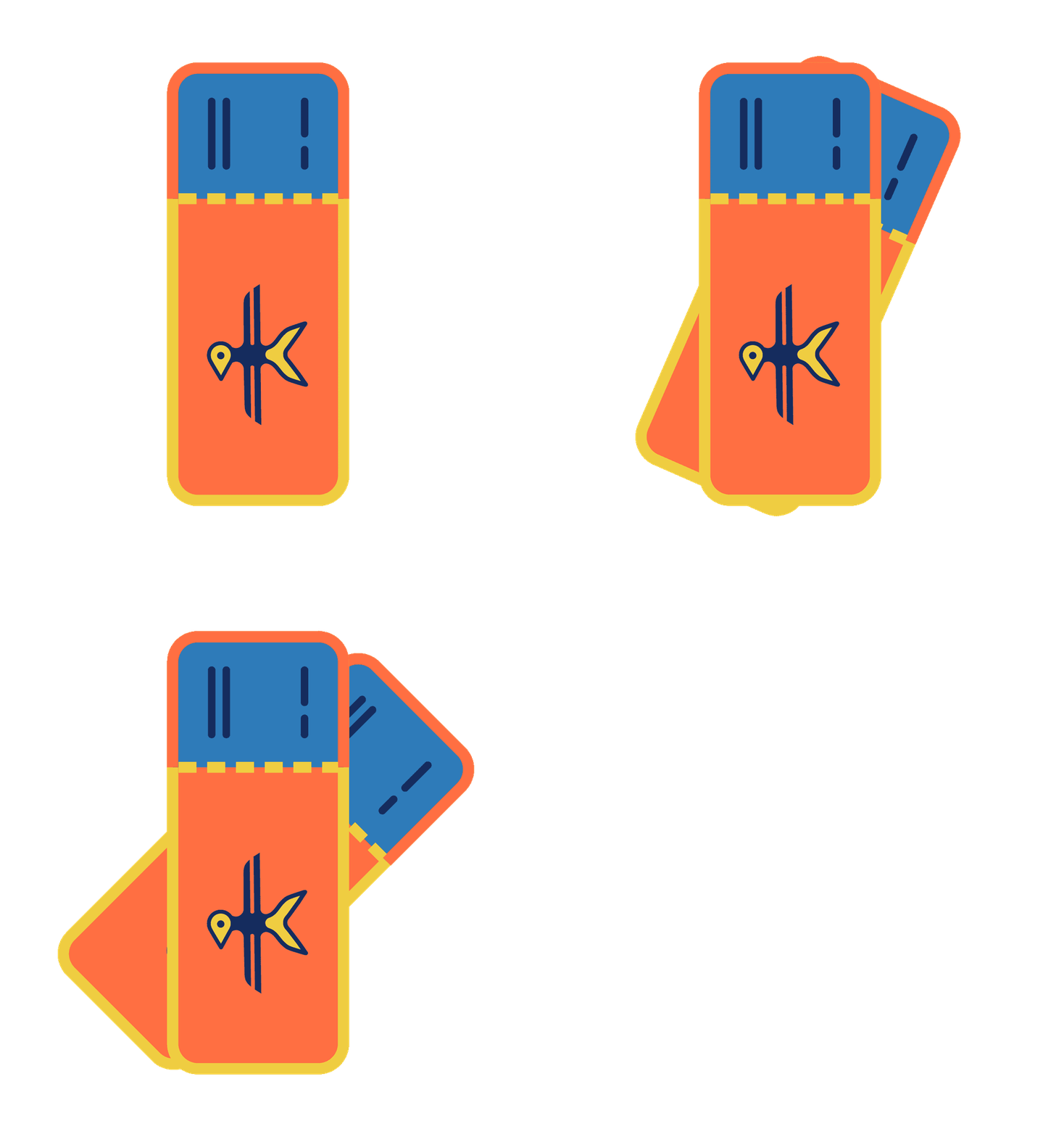
User adds the flight number to start the challenges
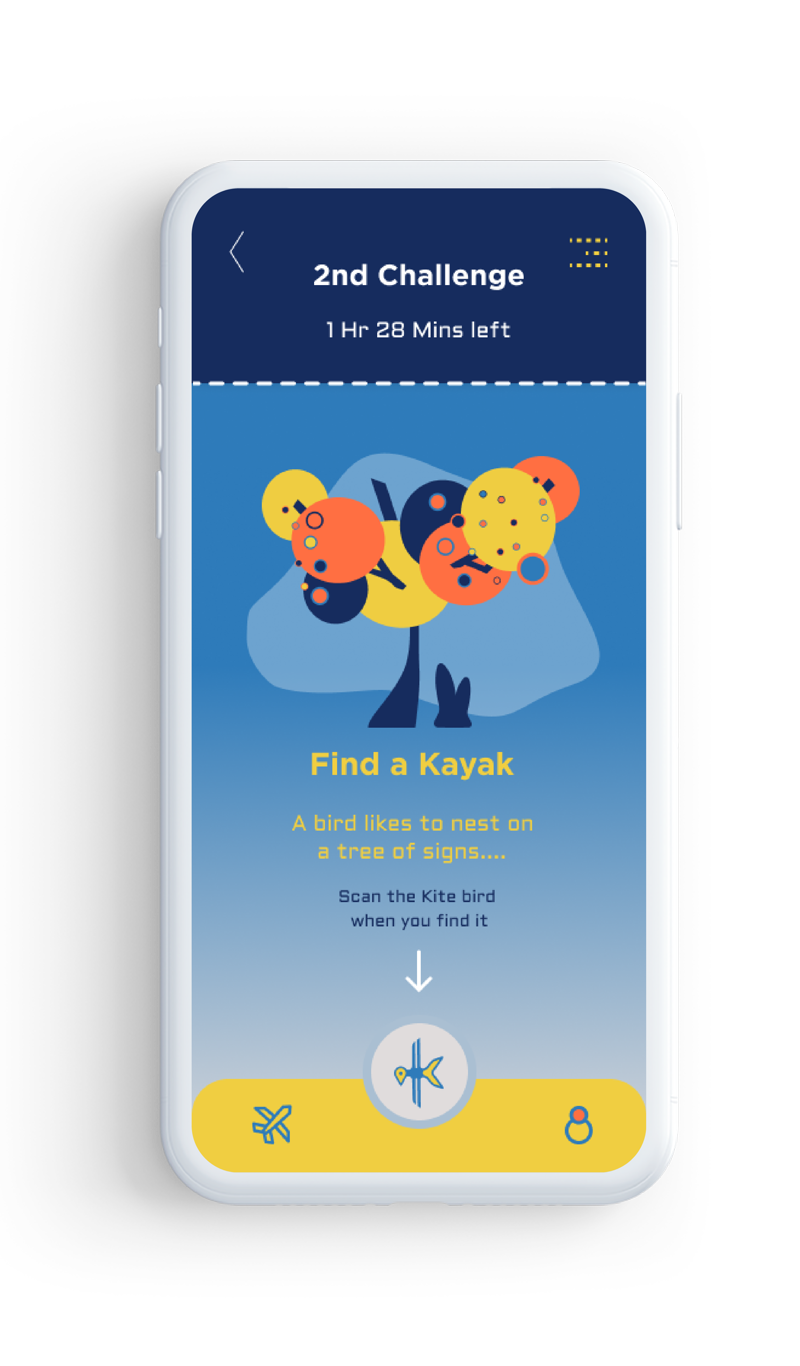
An example of an In-Flight challenge for entertainment
An example of an Post-Flight challenge connected to a 3D Kayak scan station
Physical example of a Kayak station

Flight Experiences
Pre - Flight
- Drive to Airport
- Finding the Line
- Checking in for Luggage
- Visa Check
- Passport VS ID Check
- Ticket Collection Through a Person or a Machine
- Luggage/Person/Security Check
- Tax Free
- Finding the Gate
- Information Desk/Monitor
- Rest Areas
- Wifi Stations
- Art Exhibits/Instillations
- Food/Restaurant
- Luggage Wrap
In - Flight
- Duty Free
- Seat Type
- Location of Seats
- Meal Types (Paid vs Free)
- Length of Flight
- Amount of Food
- Entertainment System
- Restrooms
- Drinks
- Amount of Kids
- Noise Level
- Smell
- Turbulence
- Toys for Kids
- Kits for Adults
- Forms to Fill
Post - Flight
- Finding the Next Flight
- Delays
- Finding Luggage Claim
- Bathrooms
- Luggage Transits
- New Tickets
- Wait Time for Luggage
- Free or Paid Carts
- Carry on Security Check
- Passport Control
- Finding Exit from Airport
- Getting Picked Up
- Finding a Taxi/Bus
- Metro Station
- Duty Free

Low Fidelity Sketches
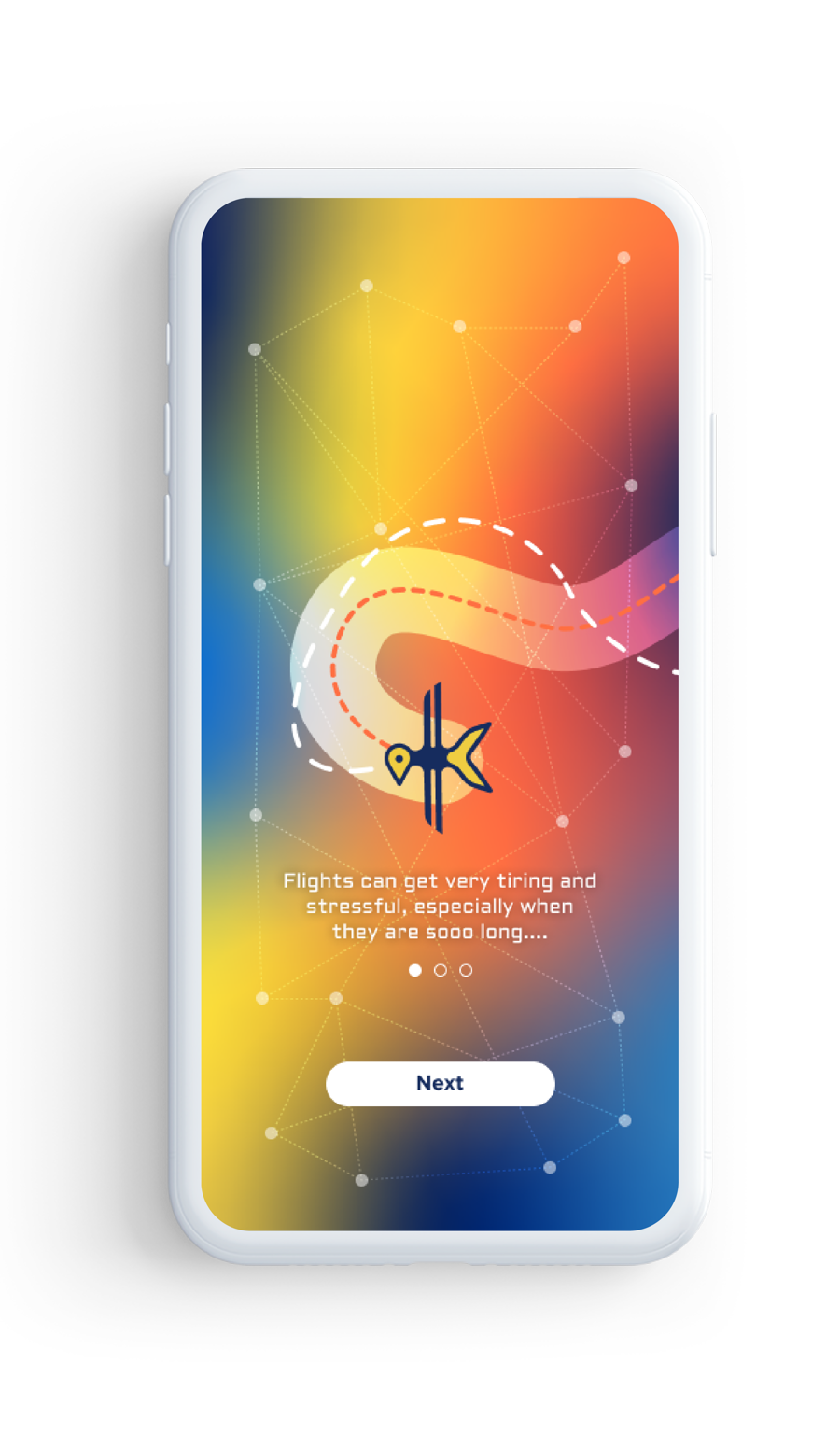
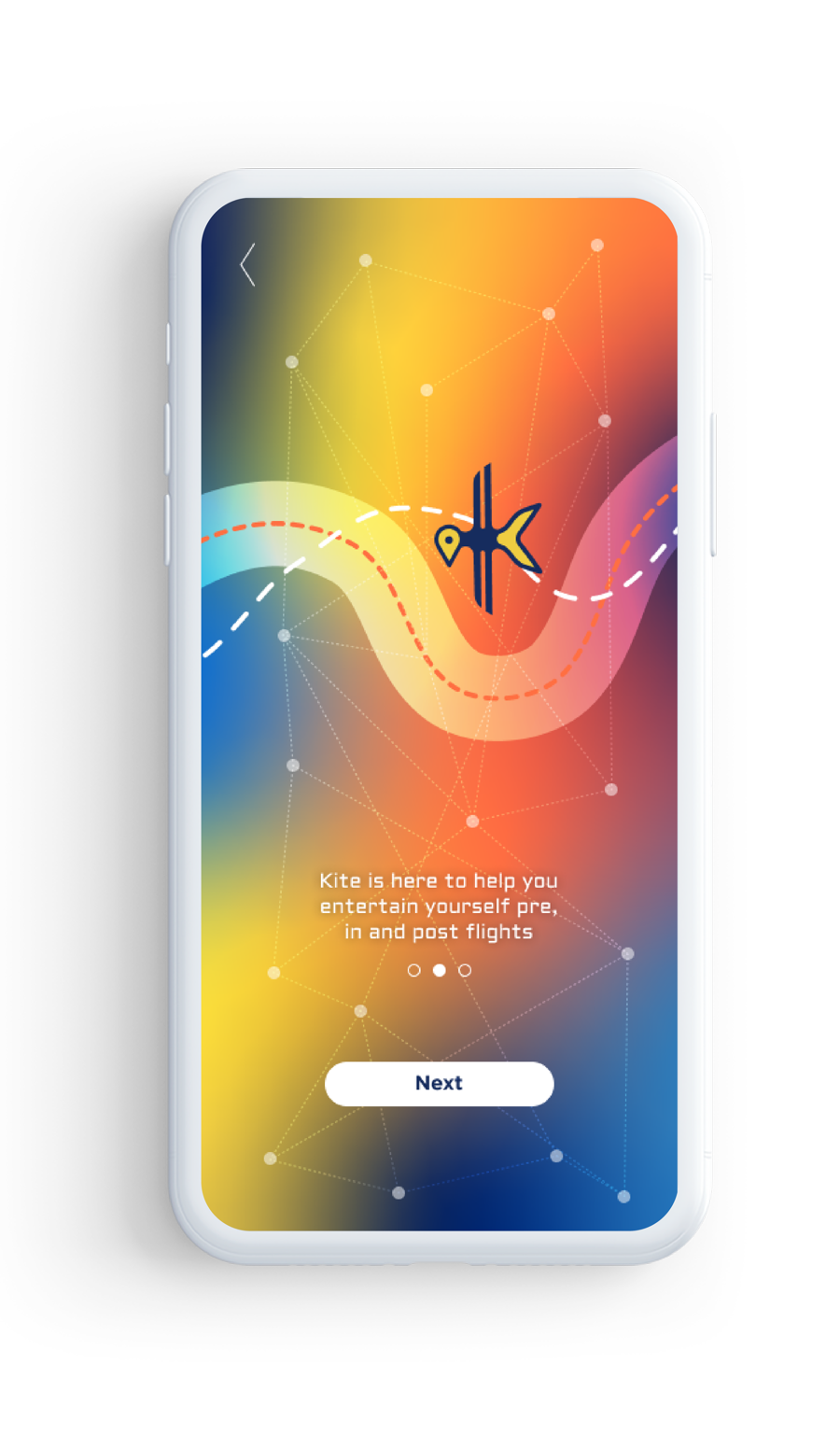
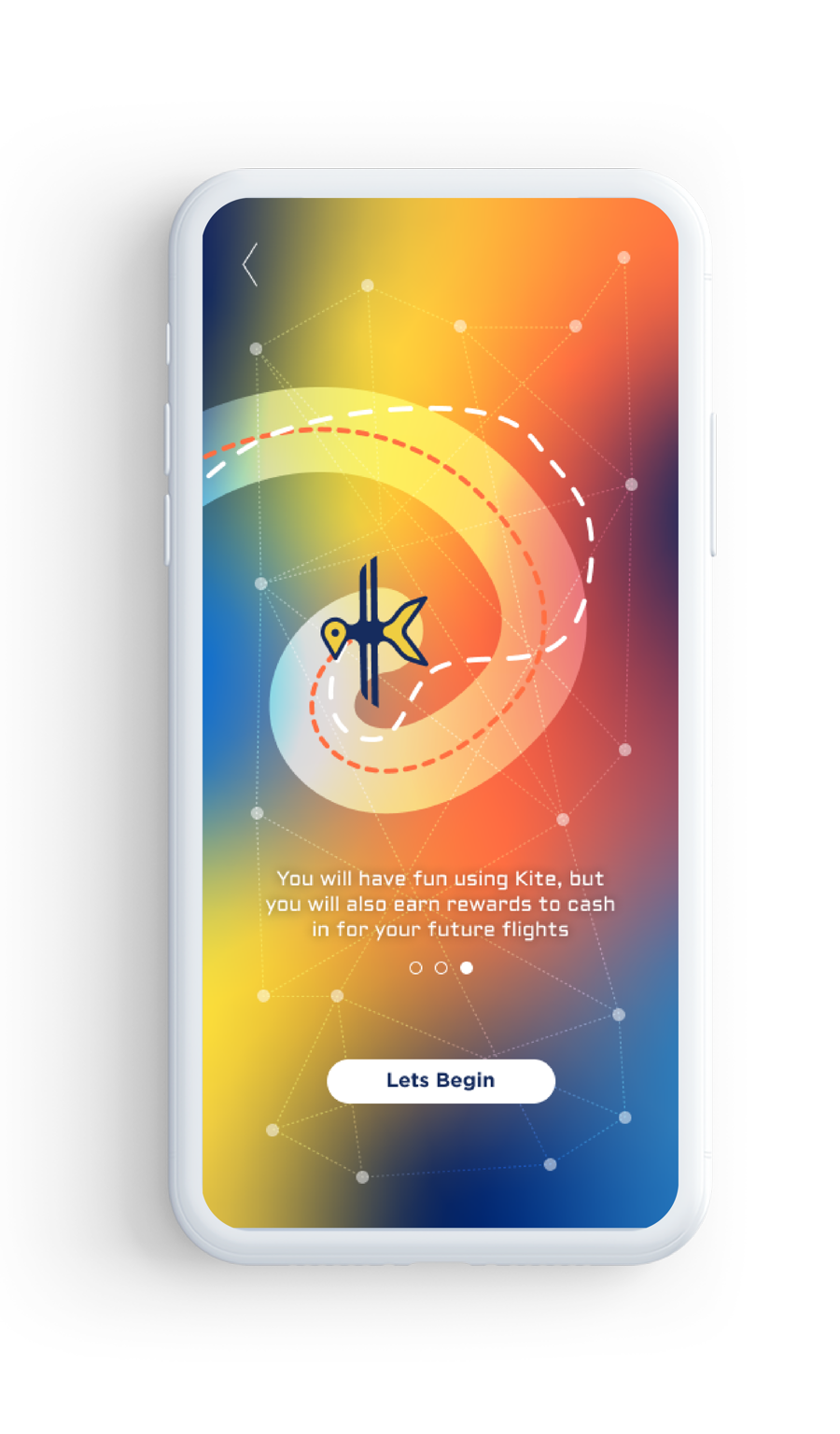
3 Intro Pages explaining what Kite offers to users.
Recording Ticket Information. Seeing the progress. Solving a riddle Post-flight.
Almost finishing the challenges. Solving anther In-flight challenge.
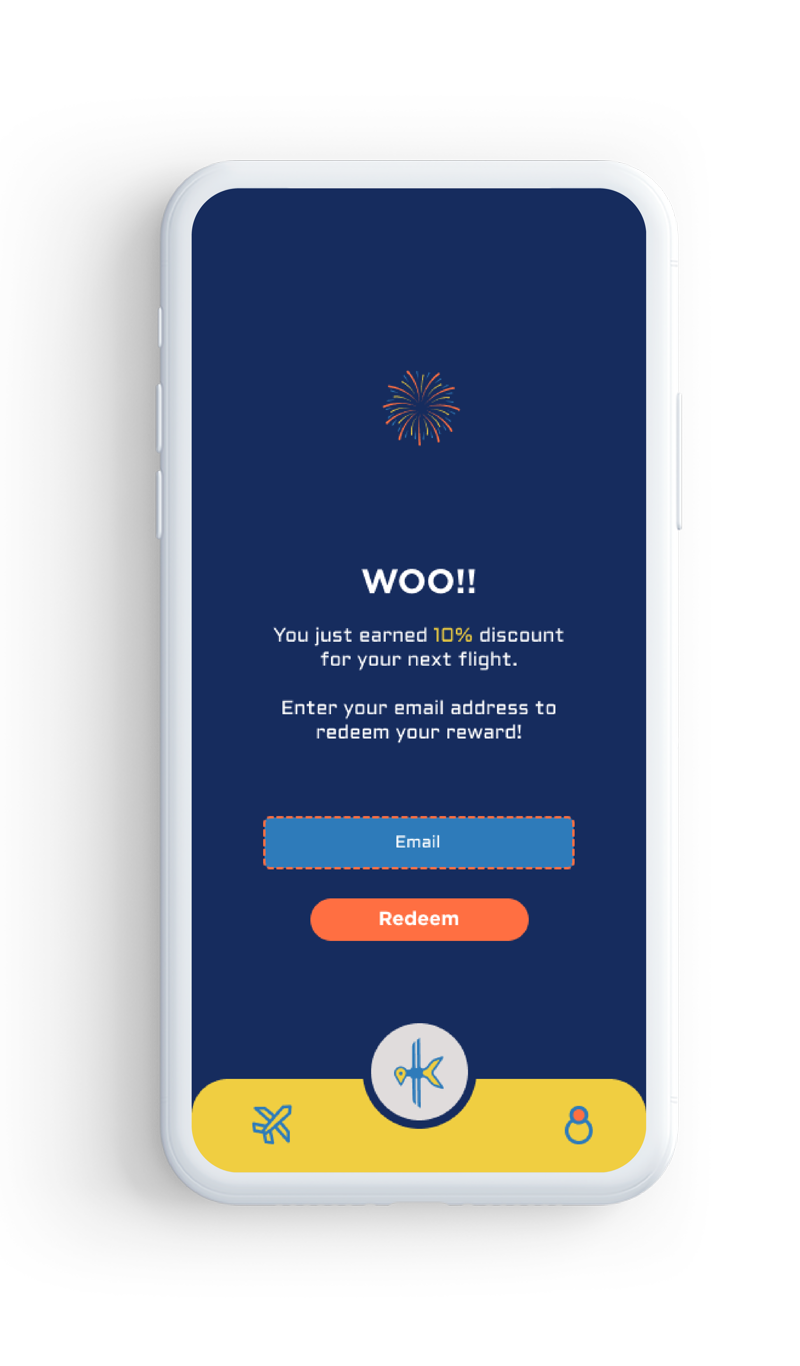
End of the flight and finished challenges. Reward page.
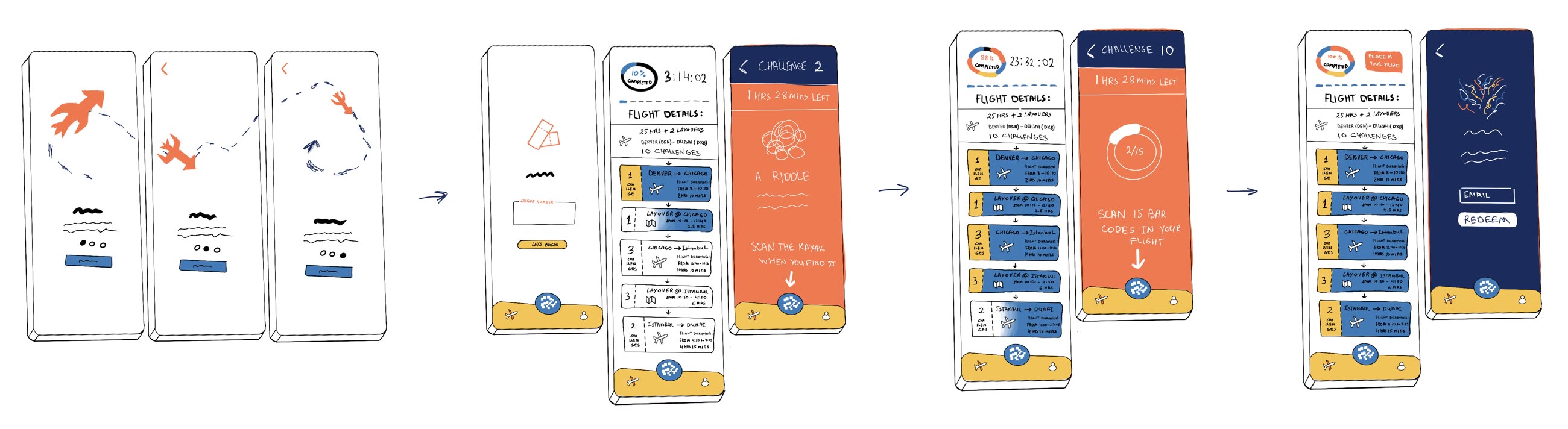

Kite Experience
Game Outline
Starts with adding ticket code to access flight details and available challenges for that flight.
Pre - Flight:
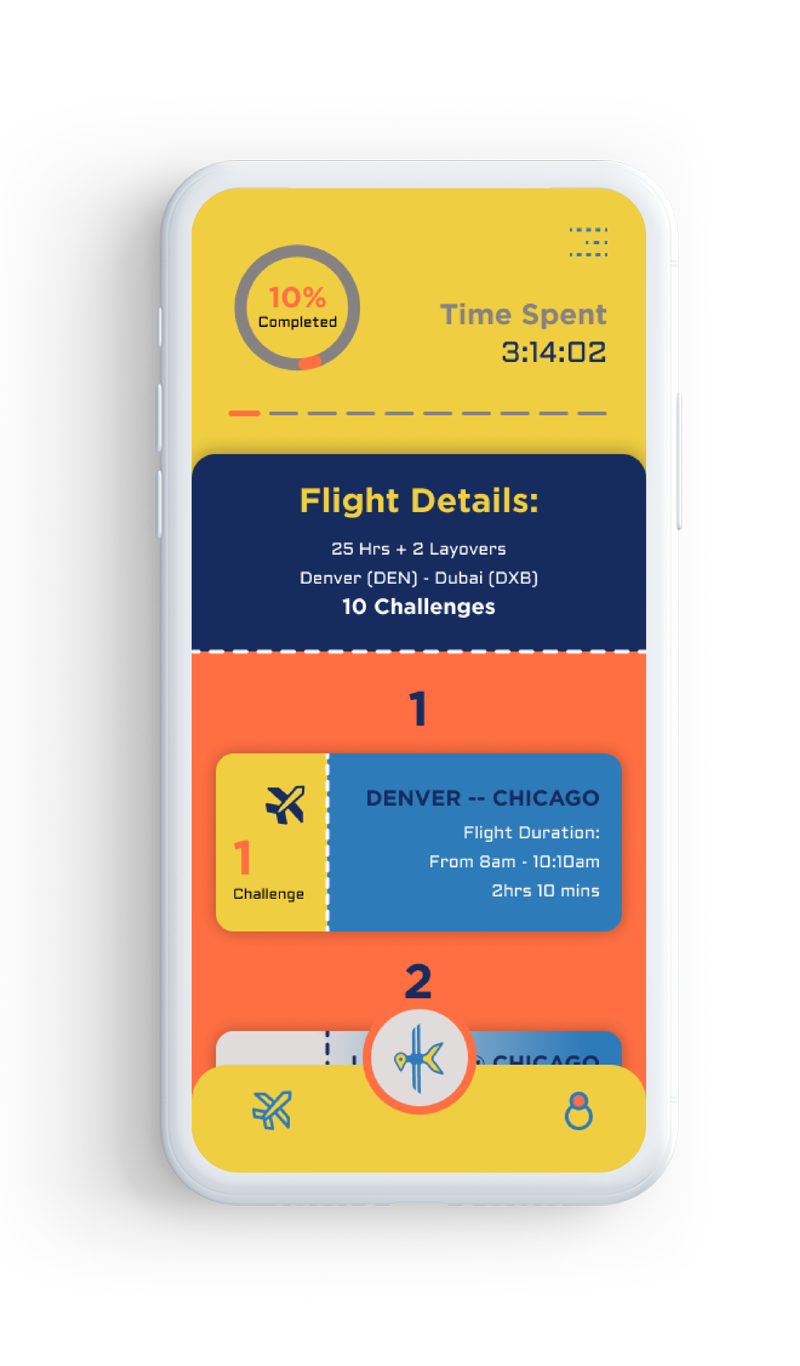
First a user adds the flight number. It brings up all the details of the flight such as how long its is, how many layovers, which seat/if applicable, time of the flights
Registering the flight would automatically add a notification of earning initial points.
Then it shows how many challenges are going to be available for the user during this trip
Example trip will be:
25 hours with 2 layovers.
A flight from Denver to Chicago, Chicago to Istanbul and Istanbul to Dubai.
Flight to Chicago will be 2 hrs and 10 mins.
Flight from Chicago to Istanbul is 10 hrs 10 mins.
Flight from Istanbul to Dubai is 4 hrs and 15 mins.
Layover at Chicago is 2.5 hrs.
Layover in Istanbul will be 6 hours.
In-Flight
- Prompts will be given on start of each flight or 30 mins before the takeoff
- Each challenge would be timed
- 1st flight would have 1 challenge
- Scan at least 15 barcodes of various objects found inside the airplane, could ask passengers to share items with barcodes
- 2nd flight would have 3 challenges separated through one in the beginning one in the middle and one at the end of flight.
- One of them could ask to upload an image of an example multiple origamis a user can create by papers found in the plane and followed a prompt provided inside the app, another one could be a question related to Istanbul/Turkey (for example, list at least 15 cities of Turkey, ps. you can ask flight attendants or other passengers for help), and the third one could be Find translations of certain words listed as a challenge ~20-30 Turkish words for example.
- 3rd flight would have 2 challenges - first one could be find a Kayak scan inside the airplane and could be lead with a riddle, second one could be Find at least 5 people who are reading a book and record the titles of the books.
Post - Flight
- 1st layover would have 1 challenge that would be triggered by a riddle
- Find an actual Kayak scan bar inside that airport
- 2nd layover would have 3 challenges inside the airport that would be also triggered by riddles
- Could be placed in a bathroom, cafe, bar, duty-free shop, and etc.

Final Prototype
3 Introductory animated pages.
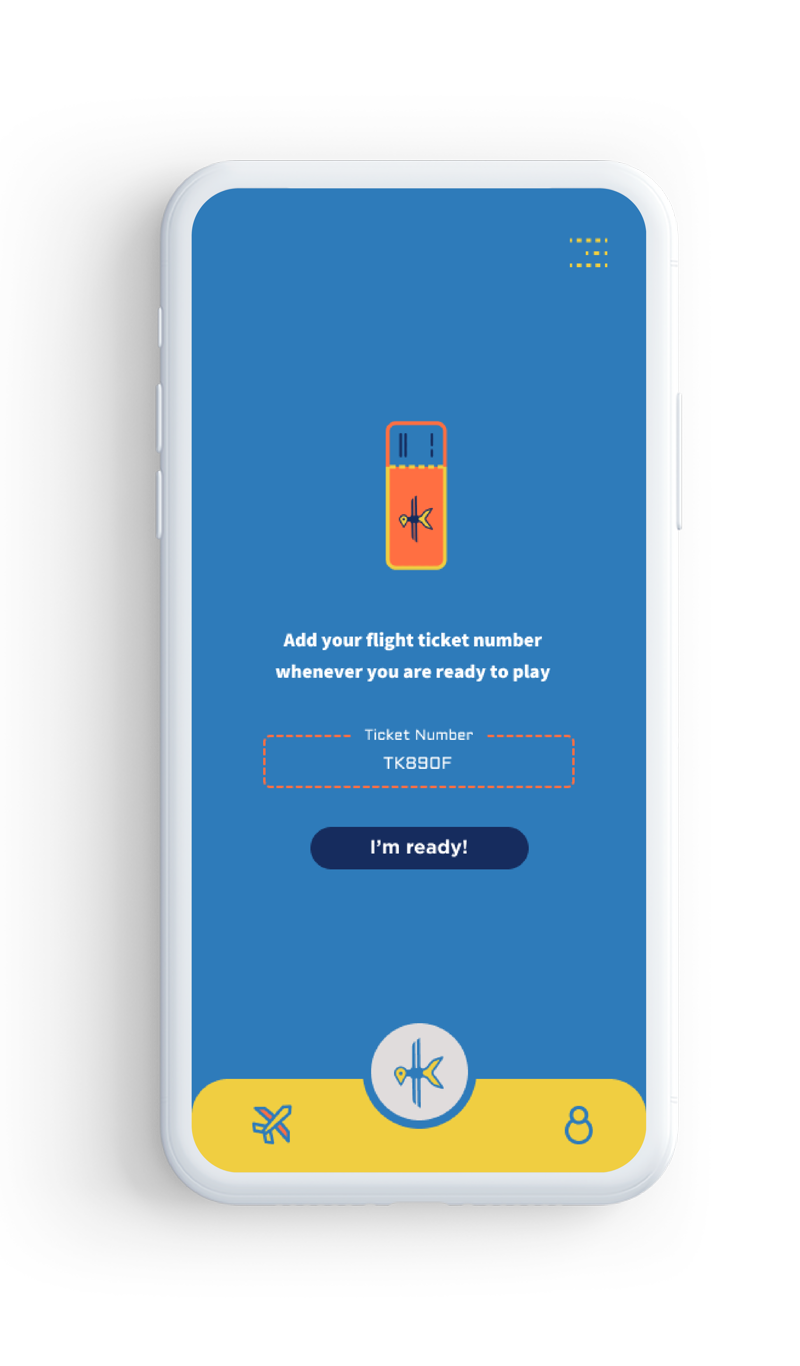

Recording Ticket Information.
Seeing the progress.
Solving a riddle Post-flight.
Reward page.

Prototype Video
Interactive Prototype

3D Component
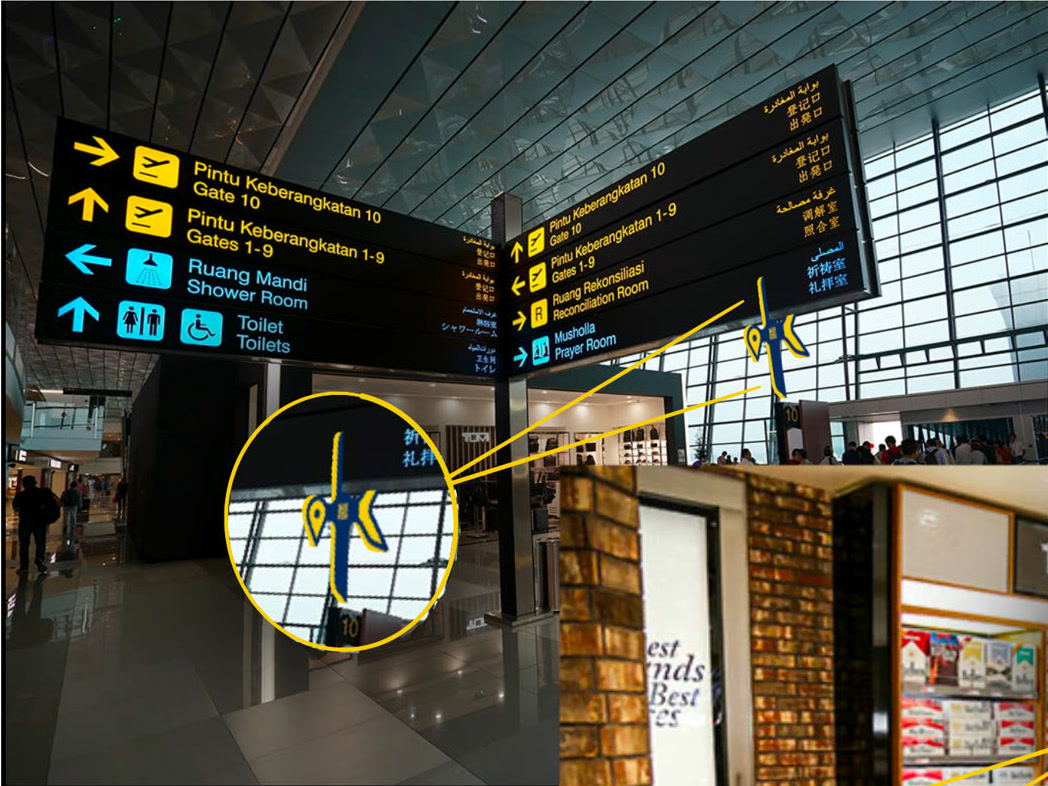
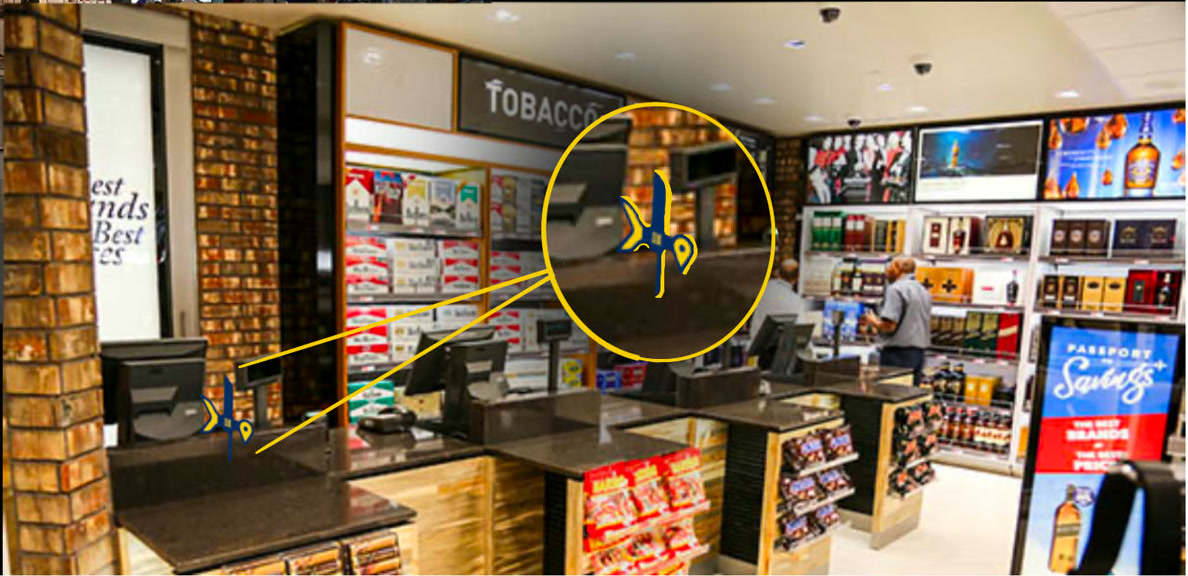
Mockups of the Kite scan stations on a signage, as well as Duty Free shop.
Sketches of the placement for QR Code and hinges.

I decided to create a 3D scannable Kite logo to further add a new layer of interactivity. The Kite logo is designed to be hooked to surfaces of the airport with a scannable QR Code. Below is the digital render of the Kayak Logo.
You can also interact with Kite online!



Please use your touchpad, mouse, or arrow keys to enjoy all the sides of Kite.
The render was then 3D printed and painted, so the logo could exist as a real object rather than only on screen. It stood on the table at our Capstone exhibit as a check point: scanning the QR Code on its body opened the project, so guests could interact with it and learn more on their own, and take away a set of high quality Kite stickers.
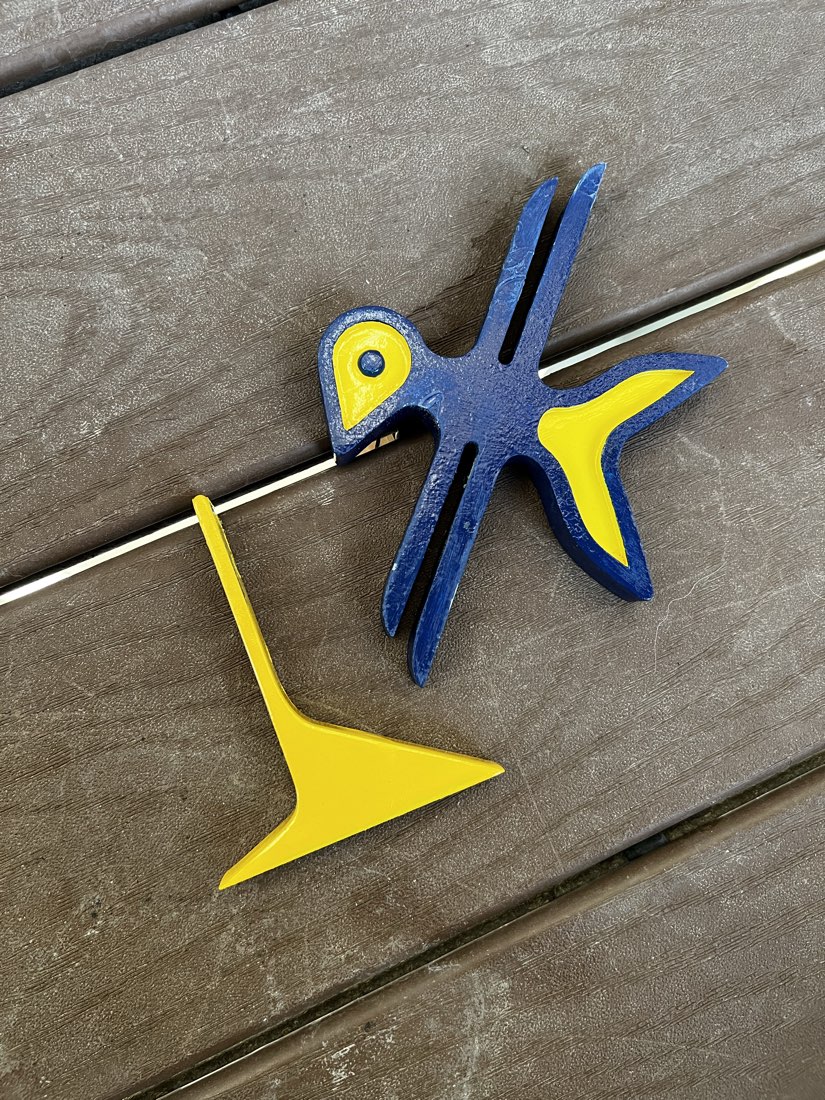
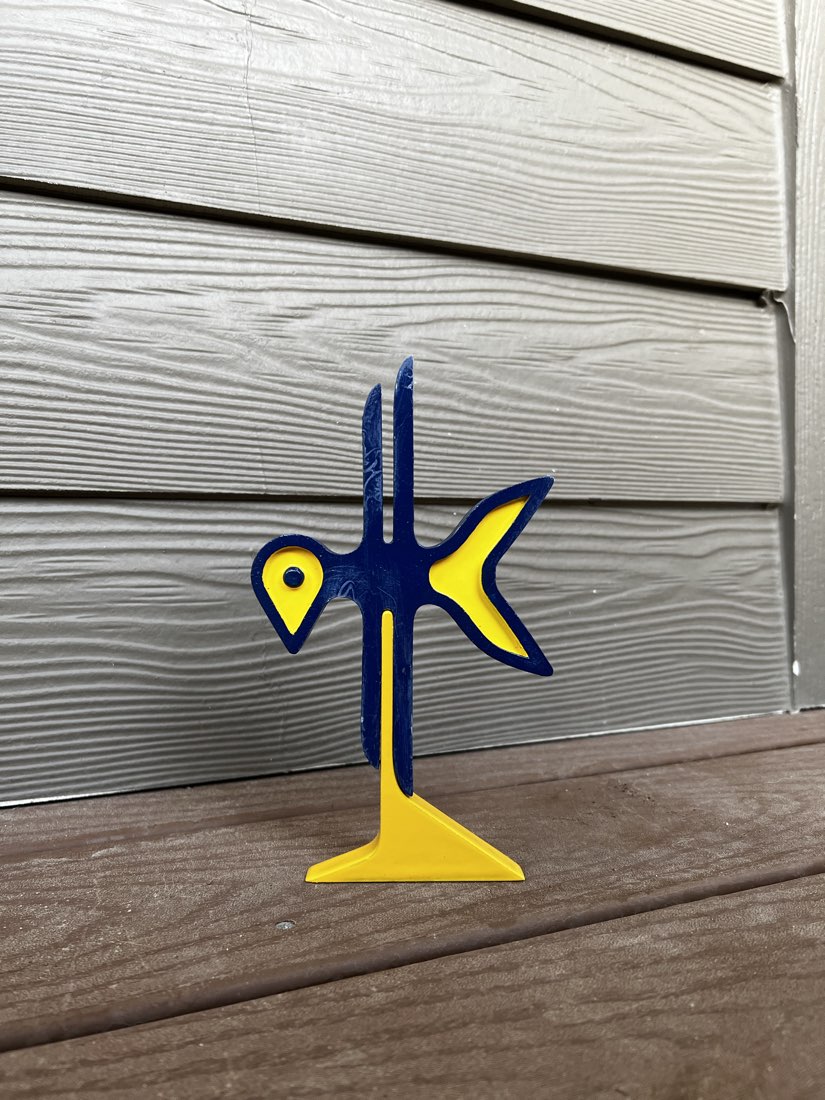
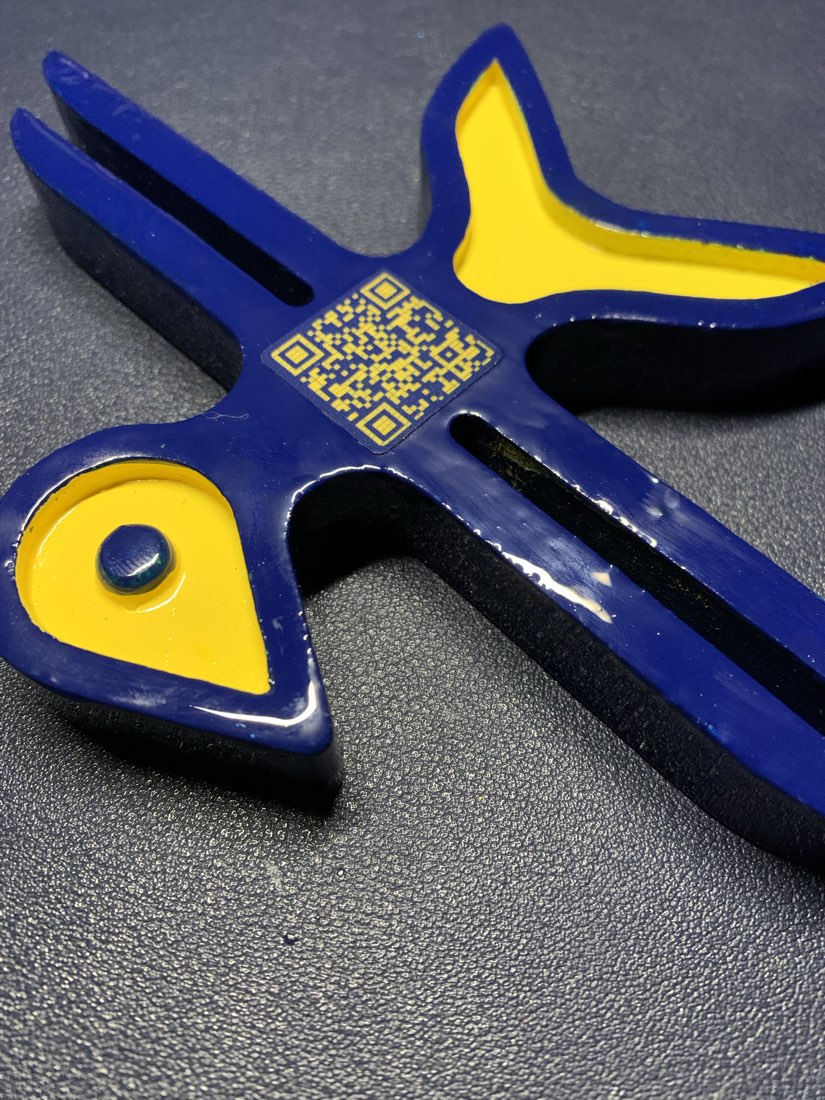
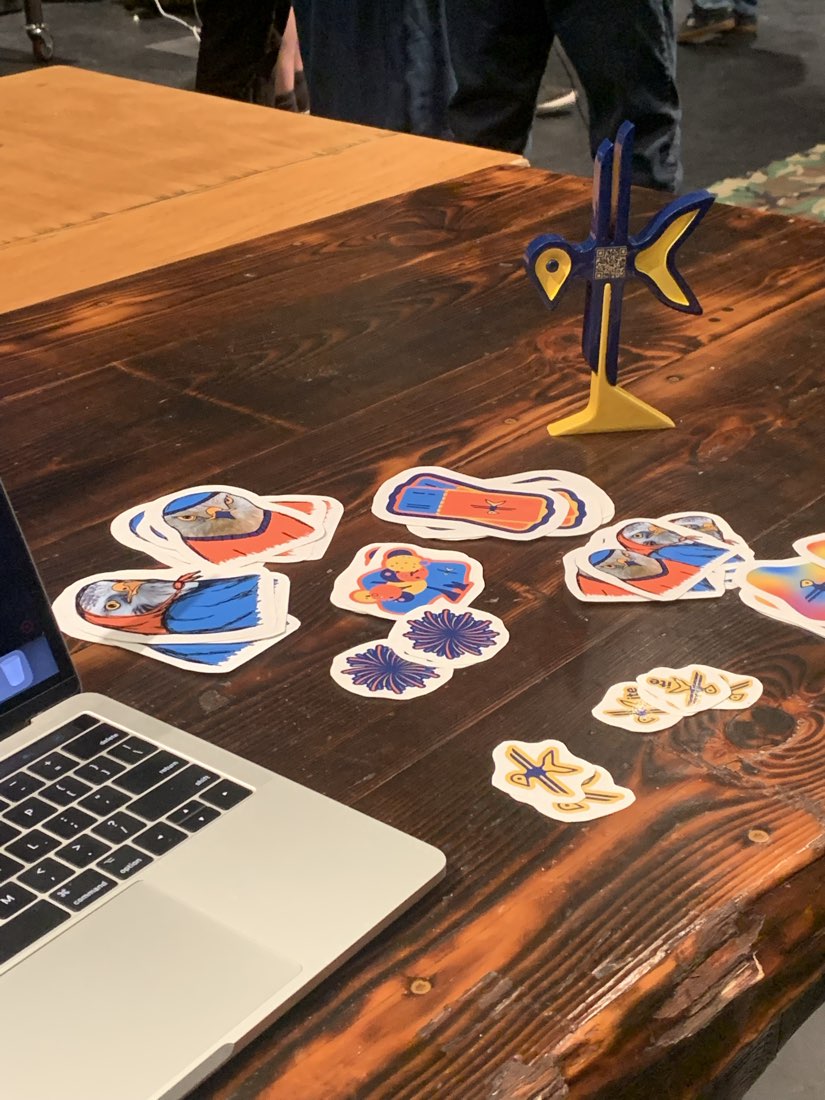
The printed logo, the QR Code guests scanned, and the check point at the Capstone exhibit.

Branding
Colors
Fonts

It al started with a photograph of a Kite bird...
Process Logo Design
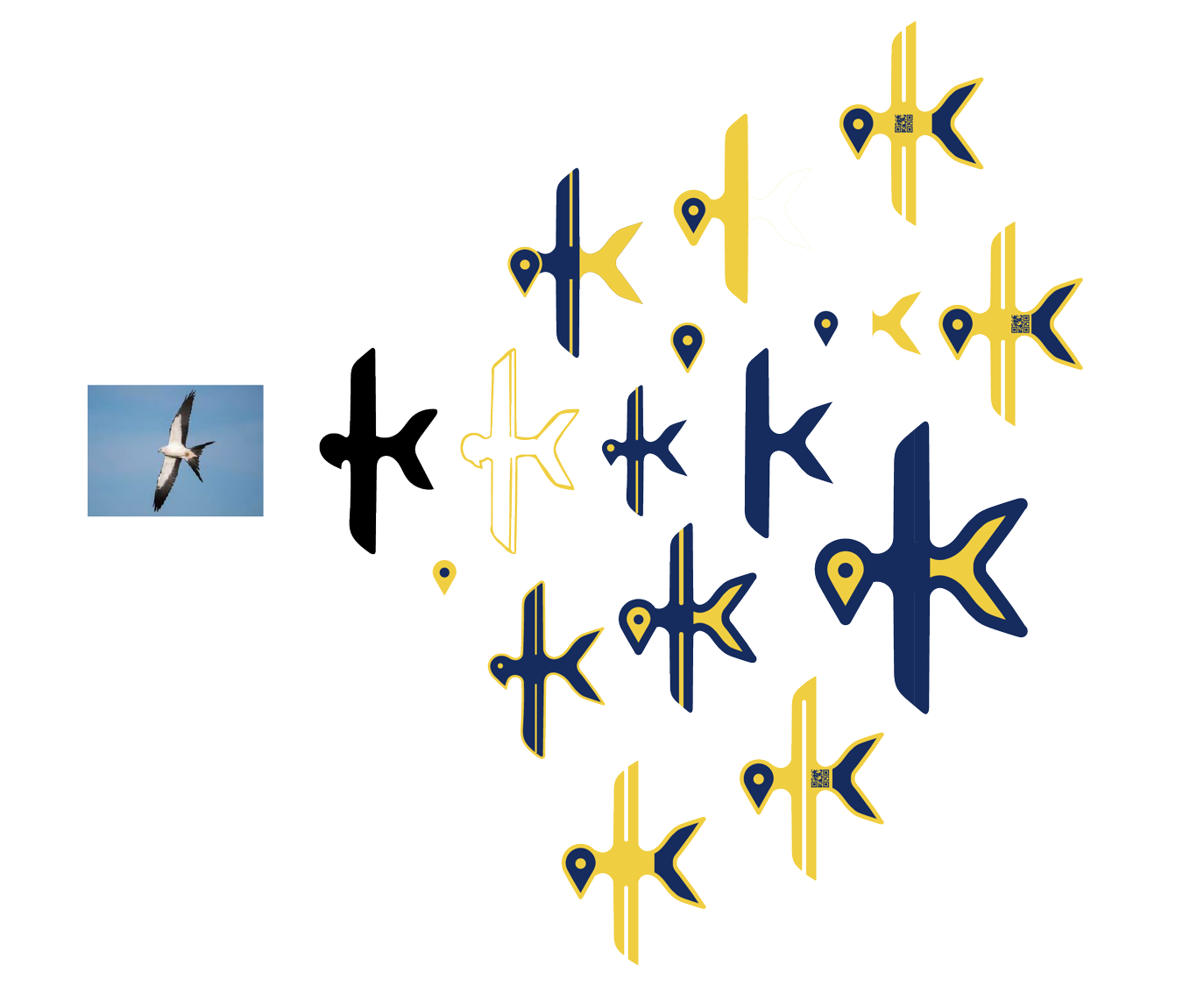
Final Logo